
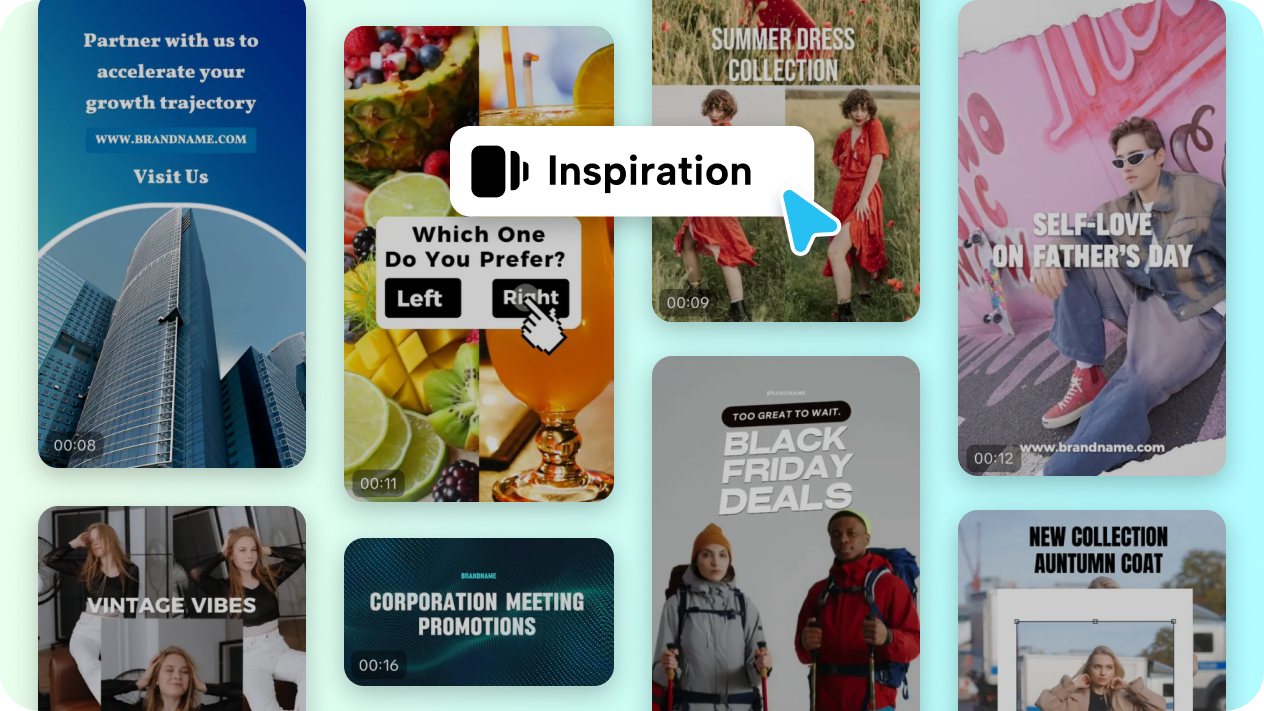

Social media has become one of the most powerful platforms for sharing ideas, promoting businesses, and building personal brands. Short-form videos on platforms like Instagram Reels, TikTok, and YouTube Shorts often go viral within hours, reaching millions of viewers around the world. However, creating engaging video content regularly can be time-consuming and challenging, especially for beginners.
Fortunately, modern tools such as an AI video generator have completely transformed the content creation process. With the help of artificial intelligence, anyone can produce professional-looking clips in minutes without advanced editing skills. In this guide, we will explore how to create viral social media clips using an AI video generator and the strategies that help videos perform better online.
Why Short-Form Video Content Goes Viral
Before diving into the process, it’s important to understand why short-form videos are so successful. Social media platforms prioritize content that keeps users engaged, and short videos are perfect for this purpose.
Here are some key reasons why short clips go viral:
- They capture attention quickly
- They are easy to consume and share
- They fit perfectly into modern mobile browsing habits
- They encourage interaction through likes, comments, and shares
Using an AI video generator allows creators to produce this type of content consistently, making it easier to stay active on social platforms and increase visibility.
Step 1: Choose the Right AI Video Generator
The first step in creating viral clips is selecting a reliable AI video generator. These tools can transform text, images, or ideas into engaging videos automatically.
A good AI video tool should offer:
- Text-to-video capabilities
- Automatic subtitles
- Pre-made templates for social media
- Stock footage and music libraries
- Easy customization options
By using an advanced AI video generator, creators can skip complex editing software and focus more on storytelling and creativity.
Step 2: Start with a Strong Video Idea
Even the best technology cannot replace a good concept. Viral videos usually revolve around simple but engaging ideas.
Some popular social media clip formats include:
- Quick tutorials
- Before-and-after transformations
- Life hacks and tips
- Trending challenges
- Motivational or inspirational clips
Once you have your idea, you can input a short script or concept into the AI video generator, which will automatically build the video structure for you.
Step 3: Write a Hook That Grabs Attention
The first three seconds of a video are the most important. If viewers are not interested immediately, they will simply scroll past.
Effective hooks often include:
- A surprising statement
- A question that sparks curiosity
- A bold claim
- A quick preview of the final result
For example:
- “You won’t believe how easy this trick is…”
- “Here’s a secret most creators don’t know…”
- “Watch this transformation in 10 seconds.”
Many creators use an AI video generator to automatically add animated text overlays and captions that highlight these hooks, making the video more visually appealing.
Step 4: Use AI to Generate Visuals and Clips
One of the biggest advantages of using an AI video generator is the ability to instantly generate visuals. Instead of recording everything yourself, AI tools can automatically match your script with relevant footage, animations, or images.
This saves time and allows creators to focus on creativity rather than technical work.
AI tools can help with:
- Generating background footage
- Adding dynamic transitions
- Matching visuals to narration
- Creating animated elements
With just a few clicks, an AI video generator can transform a basic script into a complete video ready for social media.
Step 5: Add Subtitles and Captions
Studies show that a large percentage of social media users watch videos without sound. This makes subtitles extremely important for engagement.
Subtitles help:
- Improve viewer retention
- Make content accessible
- Highlight key messages
Many AI-powered tools automatically generate subtitles using speech recognition. A modern AI video generator can detect spoken words and instantly convert them into on-screen captions.
This feature not only saves time but also improves the chances of a video performing well on social platforms.
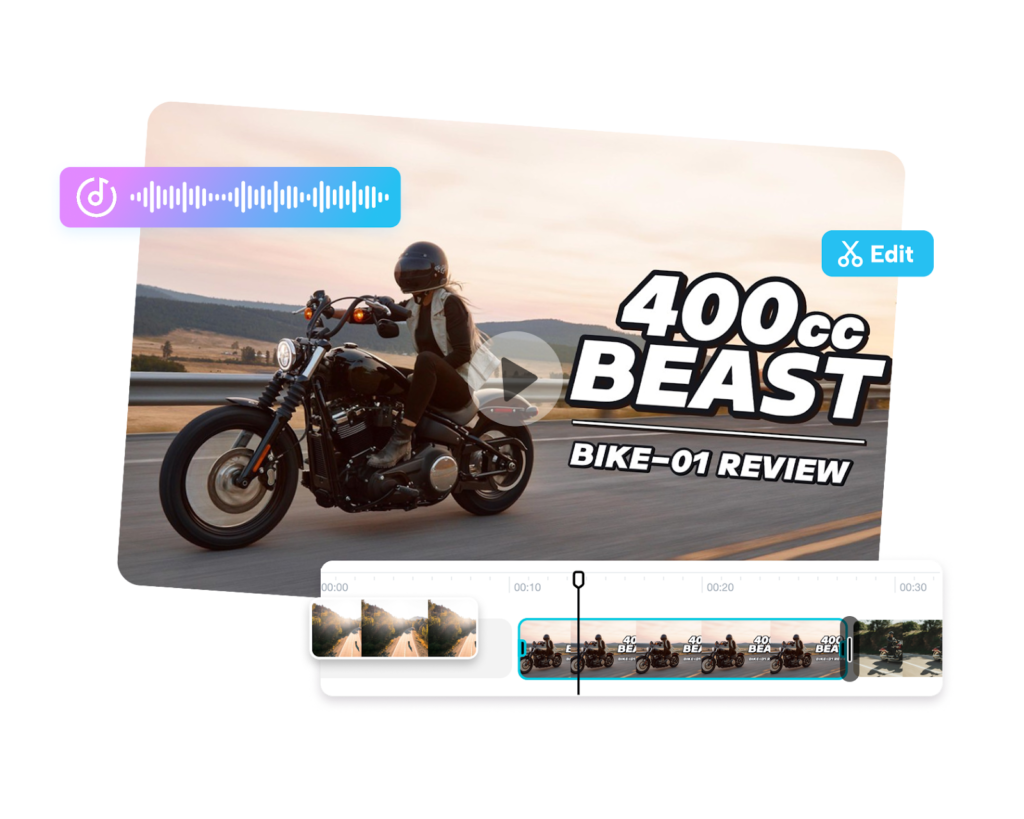
Step 6: Optimize for Social Media Platforms
Different social media platforms have different requirements for video content. To maximize reach, your clips should be optimized accordingly.
Important optimization tips include:
- Use vertical (9:16) format
- Keep videos between 10–30 seconds
- Add bold captions and large text
- Use engaging thumbnails
- Include trending music when possible
Most AI tools provide templates specifically designed for social platforms. A quality AI video generator will automatically adjust the video format so it fits perfectly on TikTok, Instagram, or YouTube Shorts.
Step 7: Use Trends to Your Advantage
Trends play a major role in viral content. When a specific sound, style, or challenge becomes popular, videos using that trend are more likely to gain visibility.
Creators can combine trending topics with AI-powered production tools to create videos quickly before the trend fades.
Using an AI video generator allows you to produce multiple clips in a short period of time, making it easier to experiment with different trends and styles.
Step 8: Post Consistently
Consistency is one of the most important factors in growing on social media. Viral creators often post multiple videos every week.
However, producing that much content manually can be exhausting.
This is where an AI video generator becomes extremely valuable. By automating editing, captioning, and video assembly, creators can produce content faster and maintain a consistent posting schedule.
The more videos you post, the higher the chances that one of them will go viral.
Step 9: Analyze Performance and Improve
Creating viral videos is often a process of experimentation. Not every clip will succeed, but analyzing performance helps creators improve over time.
Important metrics to track include:
- Watch time
- Likes and shares
- Comments
- Completion rate
By studying which clips perform best, creators can adjust their content strategy and continue producing better videos using their preferred AI video generator.
Final Thoughts
Artificial intelligence has dramatically changed how video content is created and shared online. What once required expensive software and advanced editing skills can now be done in minutes with the help of modern tools.
An AI video generator allows creators, marketers, and businesses to produce engaging social media clips quickly and efficiently. From generating visuals to adding subtitles and optimizing formats, AI simplifies the entire production process.
By combining creative ideas with the power of an AI video generator, anyone can create high-quality content that has the potential to reach thousands or even millions of viewers.
As social media continues to evolve, those who embrace AI-powered tools will have a major advantage in producing viral, engaging, and consistent video content.

 By
By
 By
By

 By
By