
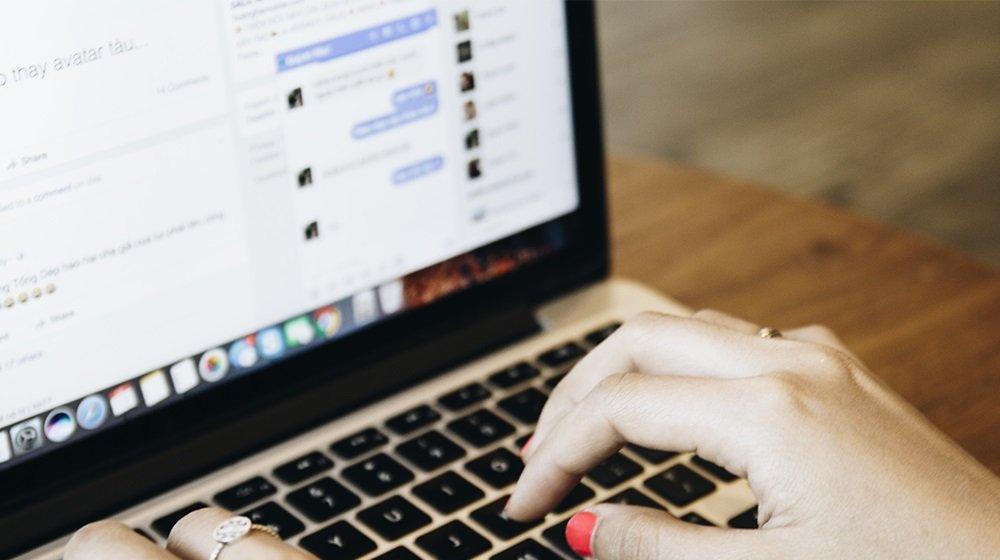

Social media is great for building and maintaining connections. You can share what matters to you and stay in the loop with your friends and family. But the platforms have a dark side, too.
Citizens Advice research found that 76% of financial scams happened on or through social media sites. Threats include phishing links from illegitimate companies, free app downloads with hidden malware, and quizzes to farm your private data. Here are some tips to stay safe.
Strengthen Your General Online Security
Cyber essentials are a good place to start. Change your passwords if you’re using the same one across your accounts. Choose something different for each platform and make sure it’s not guessable. Combining three random words with numbers or special characters can create safe passwords.
Another worthwhile safety measure is activating two-factor verification. Instead of requiring only a username or email address and a password to log in, users must also pass a second verification step. This tool adds an extra layer of protection in case a scammer gets your login details.
Learn How to Identify Malicious Profiles and Links
The threat of scams often comes from what you assume to be legitimate users. Learning how to spot real from fake can boost your defences.
If anyone contacts you, an individual or organisation, always check the profile — even if it’s someone you think you know. Look at their account, posts, friends, followers, contact details, and bio to confirm it’s who you think it is.
Be wary of any messages asking for personal details. If something doesn’t feel right, it probably isn’t. Hyperlinks may take you to malicious websites where your data isn’t secure, or you’re targeted with malware. Always hover over links to check the destination before clicking.
Think Twice About What You’re Putting Online
Hackers and scammers can use what you put online against you. Posts sharing birthdays, relationships, pet names, and other personal details build a picture of you. By using this information, someone could steal your identity for a fake profile or make their messages to you more convincing.
Check your privacy settings if you do not want to share these sorts of things. Private profile settings stop strangers from viewing your posts and statuses. You’ll still be able to share what you want with who you want .
Don’t Take Risks on Social Media
We use platforms like Facebook, Instagram, and YouTube for our enjoyment and sense of connection. Be wary of anything that could jeopardise that. Be careful with what you share online, and always sense-check new friends, connections, and messages.


 By
By


 By
By