
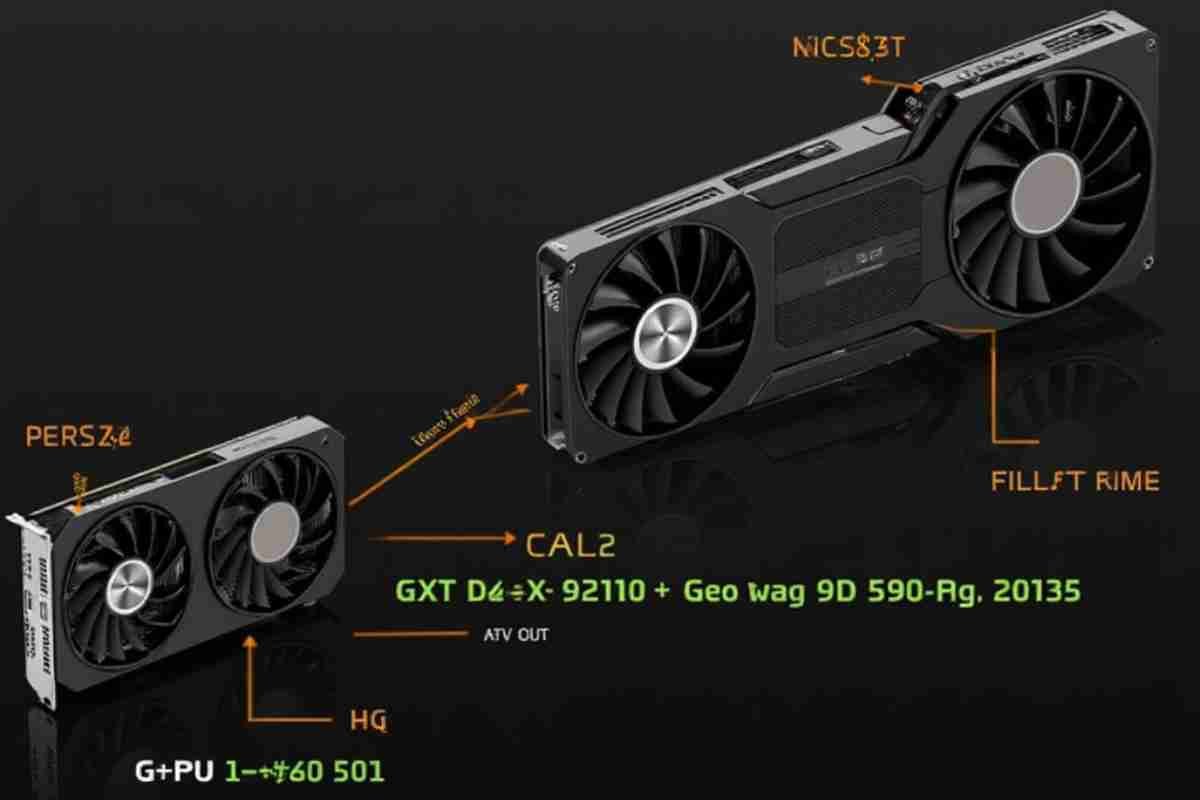

Nvidia’s highly anticipated RTX 5090 5090D Bricking Issues graphics cards have already made headlines but not for the reasons you might expect.
Early adopters and hardware reviewers are reporting alarming cases of bricked GPUs. This means their brand new cards have become completely unusable.
In this post, we’ll explore the cause of these issues, potential fixes, and how this situation could shake Nvidia’s dominance in the GPU market.
What Does “Bricked” Mean in GPU Terms?
When a GPU is “bricked,” it’s essentially dead; it won’t power up, display video output, or respond to any system commands.
The term typically refers to hardware that has been rendered useless due to firmware errors, overheating, power delivery issues, or corrupted BIOS updates.
What We Know About the RTX 5090 5090D Bricking Issues Reports
Unconfirmed but Widespread
While Nvidia hasn’t officially confirmed the issue, multiple users on tech forums, including Reddit and Linus Tech Tips, are sharing stories of RTX 5090 units failing shortly after installation.
Some graphics cards are bricking during heavy workloads like gaming or rendering. Others fail immediately after a BIOS or firmware update.
Hardware and BIOS Related Failures
Initial investigations suggest that the root cause may lie in:
- Faulty BIOS versions
- Incompatible PCIE 4.0 slots on older motherboards
- Poor power delivery from low-quality PSUs
- Possible DisplayPort or HDMI firmware conflicts
In some extreme cases, users even reported visible burn marks near the power connectors or PCB components. This echoes early RTX 4090 adapter issues, which Nvidia had to address post-launch.
How This Impacts Nvidia’s GPU Ecosystem
Brand Reputation on the Line
Nvidia’s image as the leader in high-performance GeForce RTX graphics is at risk. Launch issues like this may push users toward AMD Radeon alternatives, especially those powered by RDNA 3 and RDNA 4 architectures.
Supply Chain and Retailer Pressure
Retailers like Newegg and Amazon are already facing a flood of returns and complaints. This not only affects inventory but may also discourage OEMs like ASUS and MSI from aggressively pushing early RTX 50-series cards.
Developer and Platform Compatibility Concerns
With bricking potentially tied to firmware and driver conflicts, companies like Microsoft, Apple, and Google might need to fast track OS-level GPU compatibility patches.
Could This Be a Software Problem?
While hardware is often the culprit, some experts believe that Nvidia GeForce Experience or Windows driver rollouts might be partially to blame. Automatic updates can sometimes flash the GPU BIOS, leading to system instability.
Actionable Tips for RTX 5090/5090D Owners
If you’ve bought an RTX 5090 5090D Bricking Issues, here are a few things you can do to avoid bricking:
- Avoid flashing BIOS unless it’s verified and stable
- Use high quality PSUs with sufficient wattage and PCIe 5.0 support
- Make sure your motherboard supports PCIe Gen 4 or Gen 5
- Monitor temperatures during gaming or benchmarking
- Keep your Windows drivers and GeForce Experience up to date but disable auto BIOS updates
How AMD Might Benefit
This situation gives AMD Radeon a chance to capitalize. Their RX 7900 XTX and upcoming RDNA 4 cards already compete well in performance per dollar. If Nvidia fumbles quality control, AMD could gain serious ground.
What Are Tech Giants Like Microsoft and Google Saying?

Currently, there is no official comment from Microsoft or Google. However, users on tech forums have reported contacting support teams, only to be referred back to Nvidia.
Apple remains uninvolved, as their proprietary GPUs and use of M series chips largely eliminate reliance on Nvidia.
Final Thoughts
The RTX 5090 and 5090D bricking issues highlight the significant risks of buying cutting-edge hardware too early, especially without thorough testing and reviews.
While Nvidia remains a GPU powerhouse, this situation could dent their lead if not handled quickly and transparently.
As always, buyers should research thoroughly, stay updated on firmware, check compatibility, and wait for stable reviews before making a purchase decision.
For further updates, keep an eye on Nvidia’s official newsroom and trusted sources like Tom’s Hardware or TechPowerUp.
FAQs
What does it mean when a GPU is “bricked”?
It means the GPU is completely non-functional, often due to firmware, power, or BIOS issues.
Are RTX 5090 and 5090D units really bricking?
Yes, multiple users report units failing during use or after firmware updates, though Nvidia hasn’t confirmed it officially.
What are the suspected causes of the bricking issues?
Faulty BIOS, poor PSU quality, PCIe incompatibility, or HDMI/DisplayPort firmware conflicts are likely causes.
How is this affecting Nvidia’s reputation?
It’s putting Nvidia’s reliability into question and pushing users to consider AMD alternatives.
Can software be responsible for the bricking?
Some believe auto BIOS updates from drivers or GeForce Experience may cause instability.
What can owners do to prevent bricking?
Avoid risky BIOS updates, use strong PSUs, monitor temps, and disable auto BIOS updates.
How might AMD benefit from this issue?
AMD could gain market share as buyers seek stable, high-performance alternatives to Nvidia.
What are major tech platforms saying about this?
No official comments yet; users report getting redirected back to Nvidia support.


 By
By

 By
By
 By
By
 By
By