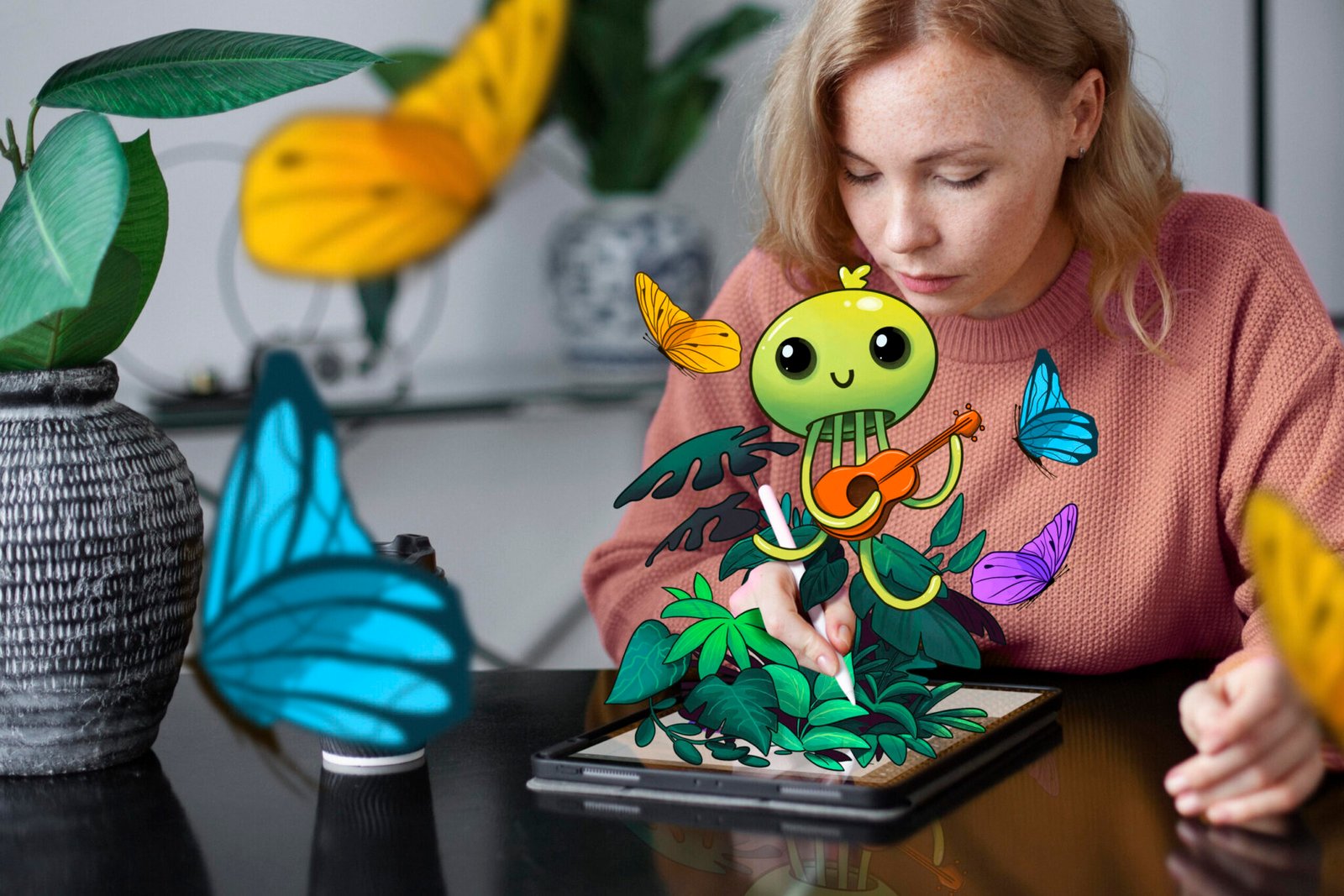

When OpenAI rolled out native image generation inside GPT‑4o this spring, it quietly rewired the creative stack. No longer do you need to bounce between ChatGPT for ideation and a separate diffusion model for visuals—the “omnimodal” 4o engine can now draft, refine, and upscale images in the same conversational thread.ImagineArt wasted no time: the platform’s latest update plugs 4o directly into its Image Studio, giving designers, marketers, and founders a one‑stop shop for brand‑ready graphics. Below, we unpack what makes GPT‑4o’s image generatIon special and how ImagineArt turns that power into practical results.
1. What Sets GPT‑4o Apart?
Autoregressive pixels, not diffusion noise.
Unlike DALL‑E 3’s diffusion pipeline, GPT‑4o paints images token‑by‑token in an autoregressive loop—the same way it writes words. The method takes a few seconds longer, but it yields sharper edges, crisper small text, and fewer “melting” artifacts.
Pin‑sharp text rendering.
One of 4o’s headline upgrades is its ability to place readable lettering in signage, packaging, and UI mock‑ups. Early testers report an 80 % drop in misspelled brand names compared with DALL‑E 3.
Multi‑turn edits that remember context.
Need a different camera angle or brand color? Just ask. GPT‑4o keeps the latent structure of your last request, so each revision builds logically instead of rebooting from scratch.
2. How ImagineArt Integrates GPT‑4o
ImagineArt wraps 4o’s raw API in a creator‑friendly workspace:
| Layer | What It Does | Why It Matters |
| Prompt Composer | Offers live syntax tips, style presets, and brand‑color swatches | Cuts prompt time by ~40 % for new users |
| Visual Memory | Stores interim images and prompt history | Enables one‑click rollbacks and A/B comparison |
| Smart Up‑scaler | Sends 4o output through ImagineArt’s proprietary 4× SRGAN | Prints‑ready exports up to 4 k |
| Cross‑Studio Bridge | Pushes any image into Video Studio’s Animate feature | Turns stills into 5‑s motion clips without leaving the project |
Because 4o returns both the image and the full token log, ImagineArt can tag each frame with C2PA provenance metadata, satisfying most ad‑network disclosure rules out‑of‑the‑box.
3. Core Workflow (Step‑by‑Step)
- Kick‑off with a natural prompt
Example: “High‑contrast hero shot of a matte‑black electric bike in a rainy Karachi street, moody cinematic lighting, 4 k.” - Review & refine
The first render lands in ~15 s. If the puddle reflections feel too busy, you can say, “Reduce foreground glare by 30 %.” 4o updates just that region while preserving the bike geometry. - Apply brand style
Use ImagineArt’s style token—e.g., /style:Neon‑Noir‑2025—to snap colors and grain to your brand kit. - Add safe text
“Overlay ‘Ride the Future’ in Bebas Neue, center‑aligned.” 4o handles kerning and edge glow. - Upscale & export
Hit Super‑Res for a 4× boost, then export as PNG, JPG, or WebP. - Animate (optional)
Click Animate → Drizzle to convert the still into a looping rain gif for socials.
Entire pipeline: under four minutes on a standard Plus plan.
4. Practical Use Cases
a. E‑commerce Product Swaps
Shoot one base photo, then prompt 4o to render the same backpack in 12 seasonal colors. Faster than weekly studio sessions, and each variation inherits identical lighting & shadows, preserving realism.
b. Social Campaign “Concept‑to‑Clip”
Draft a vertical Instagram Story graphic, then hand it to Video Studio to animate subtle zoom‑ins and copy fades. Early adopters saw a 22 % lift in story completion rates compared with static posts (ImagineArt internal beta, April 2025).
c. Pitch‑Deck Visuals
Founders can mock‑up future app screens or hardware enclosures without hiring a 3D artist. Investors get the picture—literally—at slide two.
d. Educational Infographics
Teachers prompt 4o for labeled diagrams (e.g., “Cross‑section of a geothermal plant, callouts for turbine, condenser, injection well”). Text rendering finally makes the labels legible on classroom projectors.
e. Personalized Ad Variants
Growth teams feed CRM tags—location, interest, purchase stage—into ImagineArt’s bulk prompt API. GPT‑4o spins 100 hyper‑relevant banner images in under an hour.
5. Best Practices for Stellar Output
- Lead with the subject, end with the style.
“A serene mountain lake at dawn, photorealistic” beats a style‑first prompt like “Photorealistic serene mountain lake.” - Quantify tweaks.
Phrases such as “boost contrast by 15 %” or “shift hue towards teal” give 4o a numeric anchor. - Use reference images for brand colors or character likeness (upload + “Match palette” or “Preserve face geometry”).
- Iterate in short loops.
Multi‑turn memory shines when you make one change at a time; piling on five edits at once can confuse the token chain. - Watch resolution budgets.
Free and Team tiers cap image credits; queue your drafts in 512 × 512, then upscale only the keepers.
6. Limitations & Safeguards
- Long → Slow. Autoregressive frames larger than 1,024 × 1,024 can take 45–60 s—pad that into deadlines.
- Policy Filters. ImagineArt inherits 4o’s content safety gates: no nudity, hateful symbols, or competitor logos. Appeals route through OpenAI’s moderation team.
- Privacy Considerations. Uploaded reference photos are retained for model improvement unless you opt‑out in settings. Mark sensitive media “no‑train” to avoid dataset leakage.
7. Future Roadmap
ImagineArt’s dev team teased two features coming Q3 2025:
- 3‑D Object Export – GPT‑4o will output depth maps and glTF packs, bridging the gap to AR ads.
- Style Diffusion Mixer – Import a Midjourney seed or Stable Diffusion LoRA and blend it live with 4o’s autoregressive stream.
Combined, these updates aim to cut concept‑to‑render cycles by a further 30 %.
Conclusion
GPT‑4o’s native image generation is more than a novelty—it’s the missing link between chat‑based ideation and production‑grade visuals. ImagineArt amplifies that breakthrough with workflow glue: presets, upscalers, brand libraries, and instant video hand‑offs. The result is a creative loop where text, image, and motion coexist in one editable conversation.
If you’re still juggling Photoshop layers or outsourcing product renders, now’s the moment to try a prompt instead. The future of visual storytelling is typing—then tweaking—in real time.


 By
By